No Socks RPG Wiki Tools
Track outfits, plan completion runs, and cross-check your save against every collectible Socks can wear.
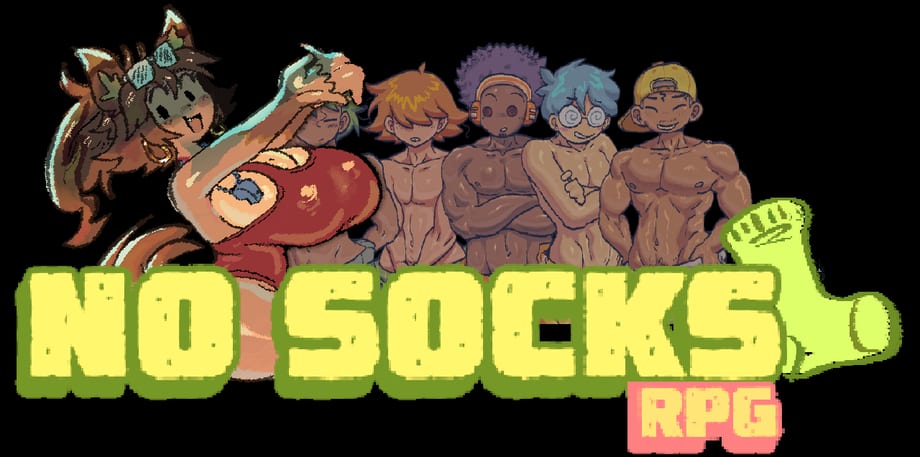
Wiki tools exist to answer questions spreadsheets usually solve: Which outfits am I missing? Did I already unlock that scene? Where should I backtrack next? No Socks RPG gates dialogue, guy routes, and animated scenes behind recoverable costumes, so a checklist saves hours of aimless island wandering.
This hub links every interactive utility on nosocksrpg.wiki. Start with the Outfit Checklist guide if you are mid-playthrough and lost track of a swimsuit or teacher uniform. Pair tools with written walkthroughs in the Guides hub and factual patch notes in Updates.
Why tools matter for No Socks RPG
Socks can wear teacher clothes, casual weekend fits, swimsuits, and spicier unlocks scattered across shops, quest rewards, and hidden chests. Missing one piece might lock a scene with one of the five island guys or block a monster girl side conversation. The game rarely tells you which costume unlocks which branch until you already own it, so proactive tracking beats reactive googling.
Tools also help after patches. When Spicyfuse ships a new itch.io zip—currently v2.4 on PC and macOS—additional outfits or fixed quest flags can change what a save should contain. A checklist snapshot before updating lets you diff what changed instead of guessing from memory.
Featured tool: Outfit Checklist
The Outfit Checklist is the flagship utility. It mirrors the full costume roster documented on the All Outfits List page but adds per-item toggles you can mark as owned, still hunting, or not applicable to your current route.
Use it when you:
- Finish a chapter and want to know which swimsuits remain in enemy hideouts
- Chase 100% scene completion without spoiling yourself on story beats
- Plan a New Game Plus-style replay focusing only on missing guys
- Compare your progress against a friend’s save after the Steam launch
The checklist stores progress locally in your browser—no account required—so mark items as you play and refresh the page anytime on PC or mobile. Reset buttons let you start a clean sheet for a second playthrough.
Read the full walkthrough in the Outfit Checklist guide for tips on syncing with the outfits list, handling Easy Mode skips, and avoiding spoilers while still tracking collectibles.
How tools connect to other wiki pages
Tools are not replacements for guides—they complement them.
| Goal | Start here | Then use |
|---|---|---|
| Learn combat basics | Getting Started | Checklist for post-chapter loot |
| See every costume name | All Outfits List | Outfit Checklist toggles |
| Decide if the game is worth it | Review | Checklist after you buy |
| Patch before a long session | Updates | Reset checklist if you rebuy on Steam |
Cross-linking keeps you inside one wiki instead of juggling Discord pins and outdated Reddit threads.
Tips for accurate tracking
Mark an outfit owned only after it appears in Socks’ wardrobe menu ingame—some cutscenes preview clothes you do not keep yet. If a quest bugged out on an older build, confirm you are on v2.4 or newer before marking something unobtainable; save fixes in recent patches restored broken quest flags.
For scene completion, note which guy route you are pursuing. Five different outcomes depend on outfit context; the checklist lets you tag notes per item so you remember which uniform you wore for which date.
Android players on itch.io should bookmark this hub on mobile; toggles work the same as desktop, though typing notes is easier on a physical keyboard.
Future utilities
As the wiki grows, this hub will host additional calculators and planners—route planners for guy scenes, badge optimizers for normal mode, dungeon skip notes for 100 Floors of Despair, and more. Every new tool will link back here with the same trailing-slash URL style for consistent navigation.
Until then, the Outfit Checklist plus the All Outfits List cover the most searched completion question: “What fits am I still missing?”
Frequently Asked Questions
Quick answers to the most common questions.
Do wiki tools require an account?
No. Progress saves locally in your browser storage. Clearing site data resets marks, so export mental notes or screenshot your checklist before wiping cookies.
Which tool should I use first?
Start with the Outfit Checklist if you are collecting costumes or chasing scene completion. Reference the All Outfits List for names, locations, and spoilery acquisition hints.
Do tools work on mobile?
Yes. The checklist UI is touch-friendly for Android players using the itch.io build. Landscape mode gives more room for notes on smaller phones.
Will tools update after new patches?
When Spicyfuse adds outfits or fixes quest flags, we update the All Outfits List first, then sync checklist entries. Watch the Updates hub for version bumps.